


AI agents for business.
Three crews in one app. Business handles customers, invoices and leads, Design makes your posts and ads, Studio makes your videos. They work on your computer, and nothing goes out without your yes.

AI agents for business.
Bizz, your chief of staff, hands each job to the right one of the crew and asks before anything is sent.
Try asking“Chase the unpaid invoices and answer this week’s enquiries.”“Find twenty clinics in Austin and draft a first message to each.”
- Inbox, support, invoices, posts, leads and your website.
- Works in your own accounts, on your computer.
- Nothing sent or spent without your yes.

Your AI graphic designer, with an editor you can use.
Nova designs your posts, ads, banners and logos in your brand, at every size, and every design stays editable.
Try asking“Make this week’s LinkedIn posts in our brand.”“Turn this flyer into a print-ready PDF with bleed.”
- Your colours, type and own logo file.
- Every channel’s size, as PNG, PDF or SVG.
- Print-ready PDF with bleed and crop marks.

Your AI video team, from brief to finished film.
Fizz plans each video with you, makes it, and cuts it in a real video editor you can take over.
Try asking“Cut this footage into a 30-second ad, with a :15 and a :06.”“Make a product video from these photos and our logo.”
- Ads with their cutdowns, the :15 and :06.
- Edits your own footage, green screen included.
- Real editor keys: J, K, L, ripple, roll.
Beyond your desktop
The crew keeps working, wherever you are.
Close the laptop. The work goes on.
Localoy Cloud is a computer of your own in the cloud, with the same crew on it. Start a video render, a build or an overnight schedule there and it keeps going after you shut the laptop. Join the waitlist from Settings → Cloud.
Fizz is rendering the promoWorkingBizz is checking the inboxWorkingYour crew, in your pocket.
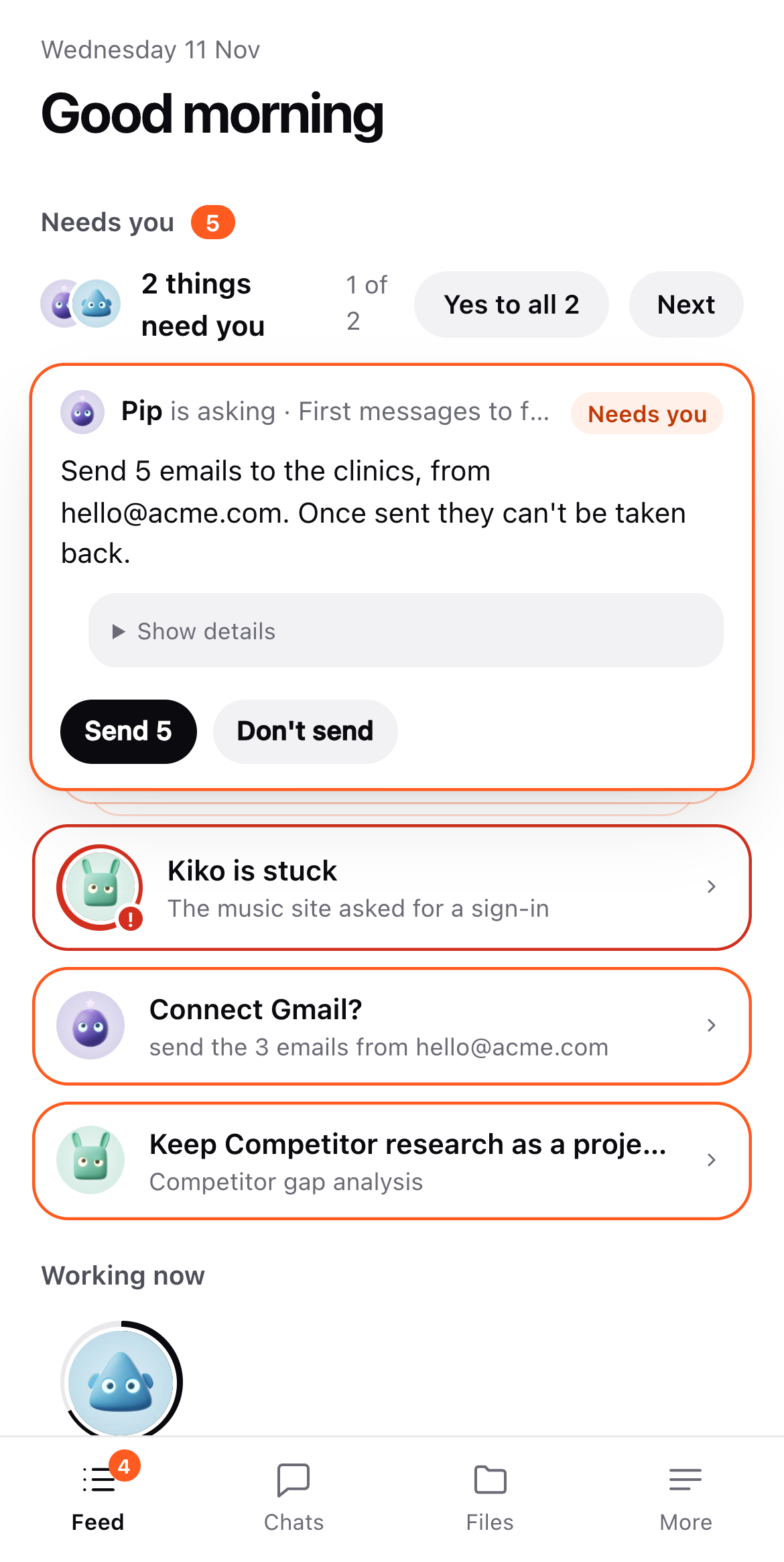
See what’s under way, answer a question, give the yes that sends the email or posts the video. Your Cloud opens as an app in your phone’s browser. Or link a Telegram chat to the desktop app and ask from there.
How they work
Every room works the same way.
Each room has a chief who plans the job and brings in the right specialist for each part.
You get the spreadsheet, the drafted emails, the cut video. Not a list of tips.
Anything that spends, sends, publishes or deletes waits for your yes.
No subscription. Add credit from $10, and it never expires.
Pick the work. Meet the one who runs it.
Download
One app for Business, Design and Studio.
The first time you open it
The app isn’t signed by Apple or Microsoft yet, so your computer asks once before it opens it.
- MacOpen the app, close the warning, then go to System Settings › Privacy & Security and click Open Anyway.
- WindowsWhen SmartScreen says Windows protected your computer, click More info, then Run anyway.
- LinuxMake the AppImage executable (
chmod +x) and run it, or install the .deb withsudo apt install ./….deb.