Close the laptop. The work goes on.
Localoy Cloud is a computer of your own, in the cloud. Bizz, Nova and Fizz keep working there with your laptop open or closed: video renders, builds and overnight schedules. Check in from your phone or any browser.
How it works
The other half of your computer.
Cloud doesn’t replace your computer. Work that needs your own logins stays on it. Long jobs, and jobs you start while you’re out, run in your Cloud, which only browses the public web.
On this computer
Work that uses your own accounts.
- Leads and outreach in your signed-in browser
- Your inbox and desktop apps
- Files in your own folders
In your Cloud
Work that runs long, or while you’re away.
- Video renders and exports
- Builds and long scripts
- Schedules that run overnight
Phone and browser
Check in from anywhere.
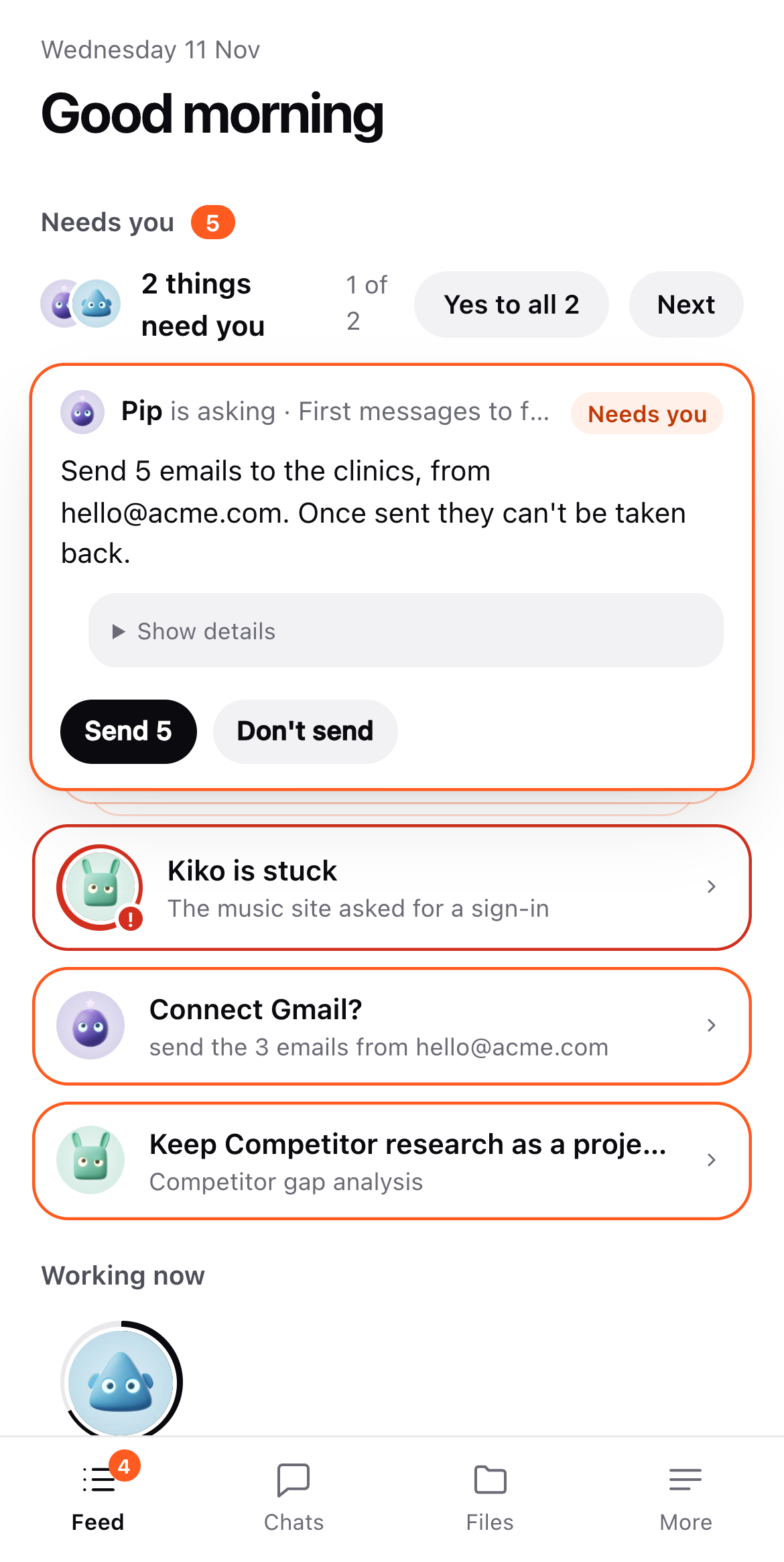
See what’s under way, answer a question, give the yes that sends or posts. In your phone’s browser, saved to your home screen.
Open your Cloud at app.localoy.ai, with no app to install.
Join the waitlist and open your Cloud from Settings → Cloud.
Anything that sends, posts, pays or deletes still waits for your yes.
Sizes
Three sizes. Every Cloud starts on Light.
Standard and Heavy aren’t open to pick yet. Your Cloud goes to sleep after 10 idle minutes, or later if you choose, and is billed by the minute: its running time while it works, its storage while it sleeps.
Schedules, checks and everyday jobs.
Builds and most renders.
Long renders and big builds.
Get your Cloud
Opening a few people at a time.
Join the waitlist with one tap, in the app under Settings → Cloud or at app.localoy.ai. When we let you in, you get AI credit and Cloud credit to start, and your Cloud turns on by itself.
Questions
Before you start.
Does my signed-in work move to the cloud?
No. Work that uses your own logins stays on your computer. Cloud runs the long jobs and the ones you start while you’re away.
When am I charged?
By the minute. While your Cloud runs you pay for its time; while it sleeps you pay only for its storage. Cloud has its own credit, separate from your AI credit.
Do I need the desktop app?
No. You can join the waitlist and use your Cloud from a browser or your phone alone.