Features · Vinci editor
Ask for the campaign. Get files you can post.
Tell it what you’re launching. It reads your brand notes, designs the posts and banners in Vinci with real text, your logo and your colours, at each channel’s size, and exports them as sharp as you need. Every piece stays editable, by the agent and by you.
A real recording of Localoy, sped up while it designs. One request, seven boards, then one headline and the price changed by asking.
Watch the whole run
Seven sizes, then one sentence changes them all.
95 seconds, with sound. One continuous take, sped up where Nova works, on DeepSeek Flash.
What one run made
A launch set, straight from one request.
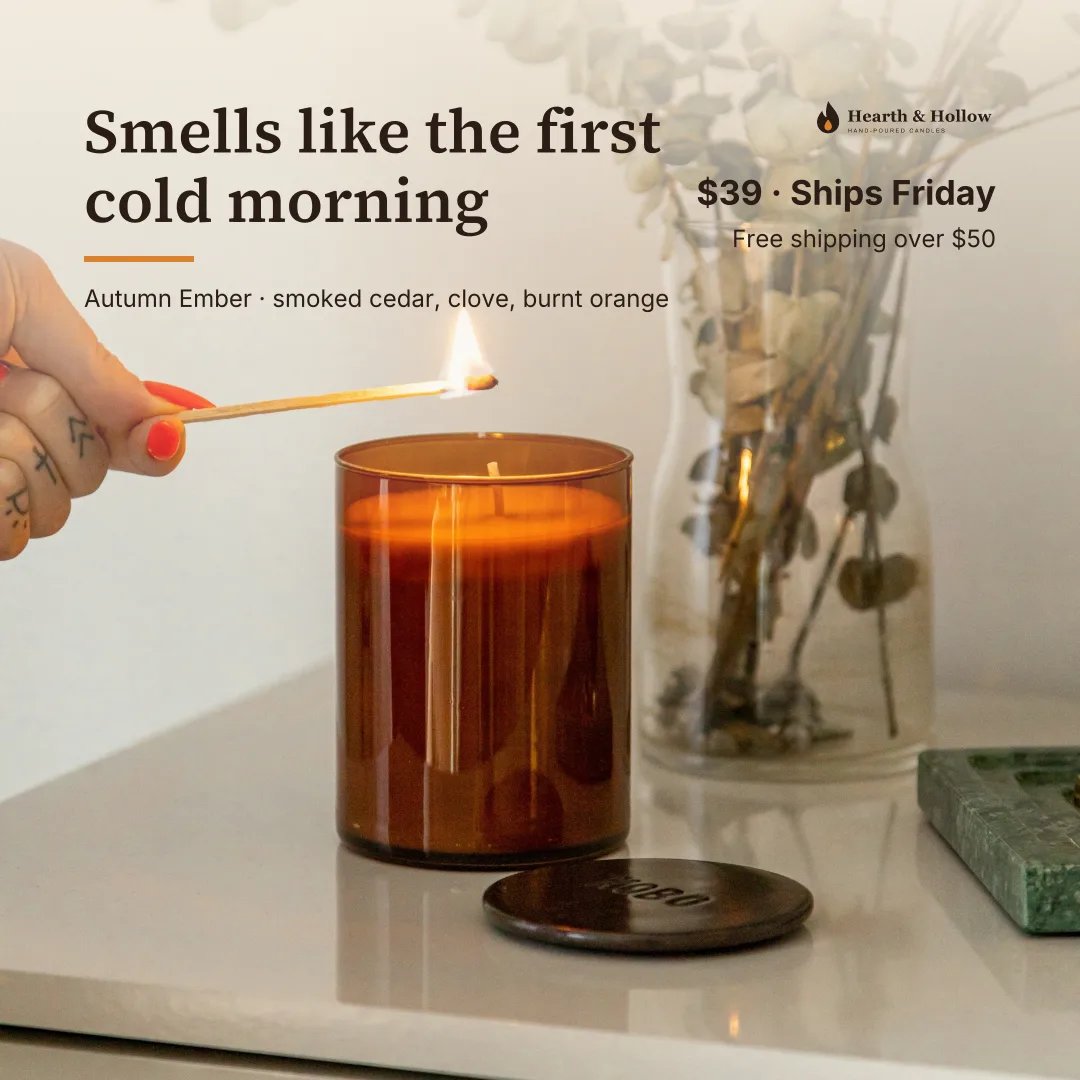
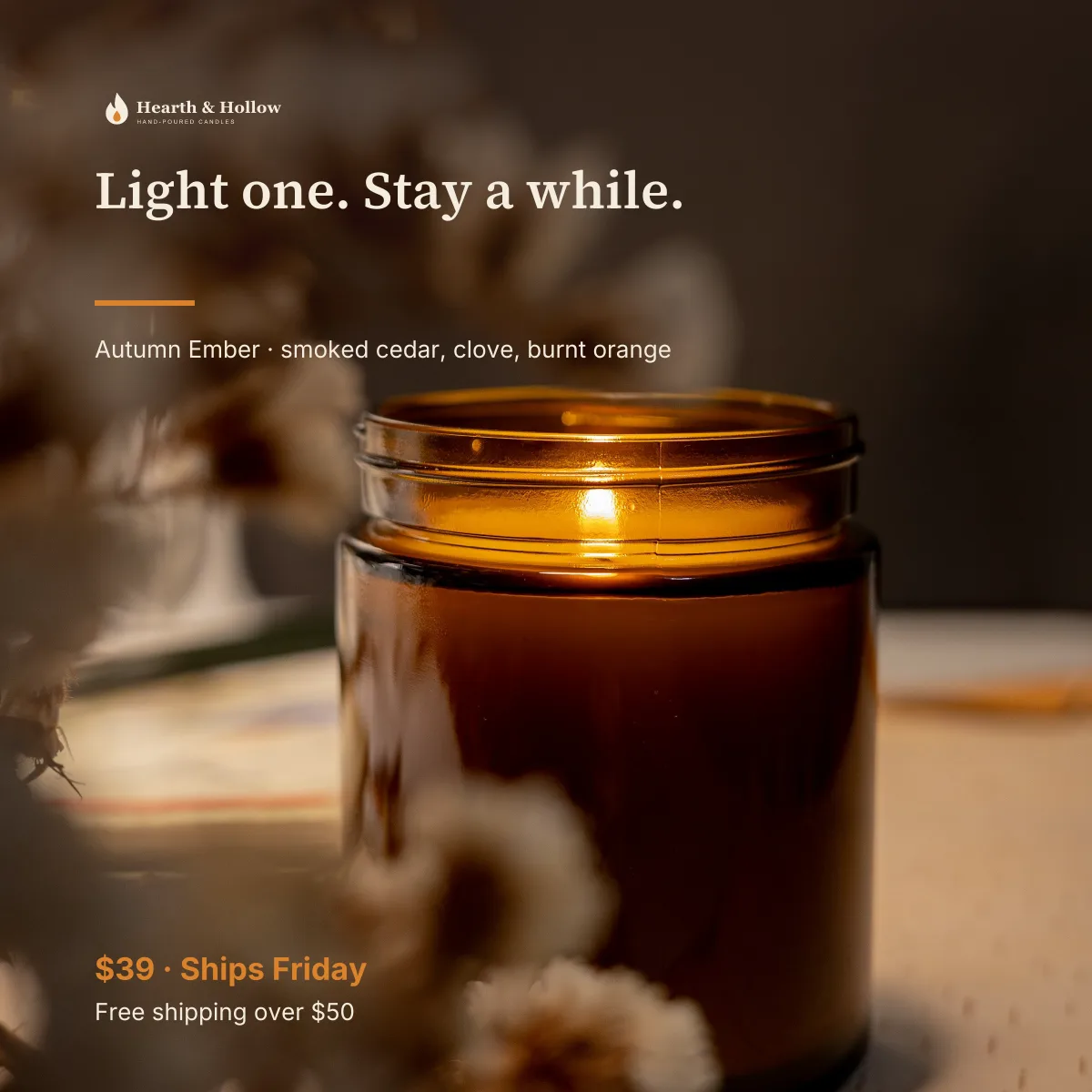
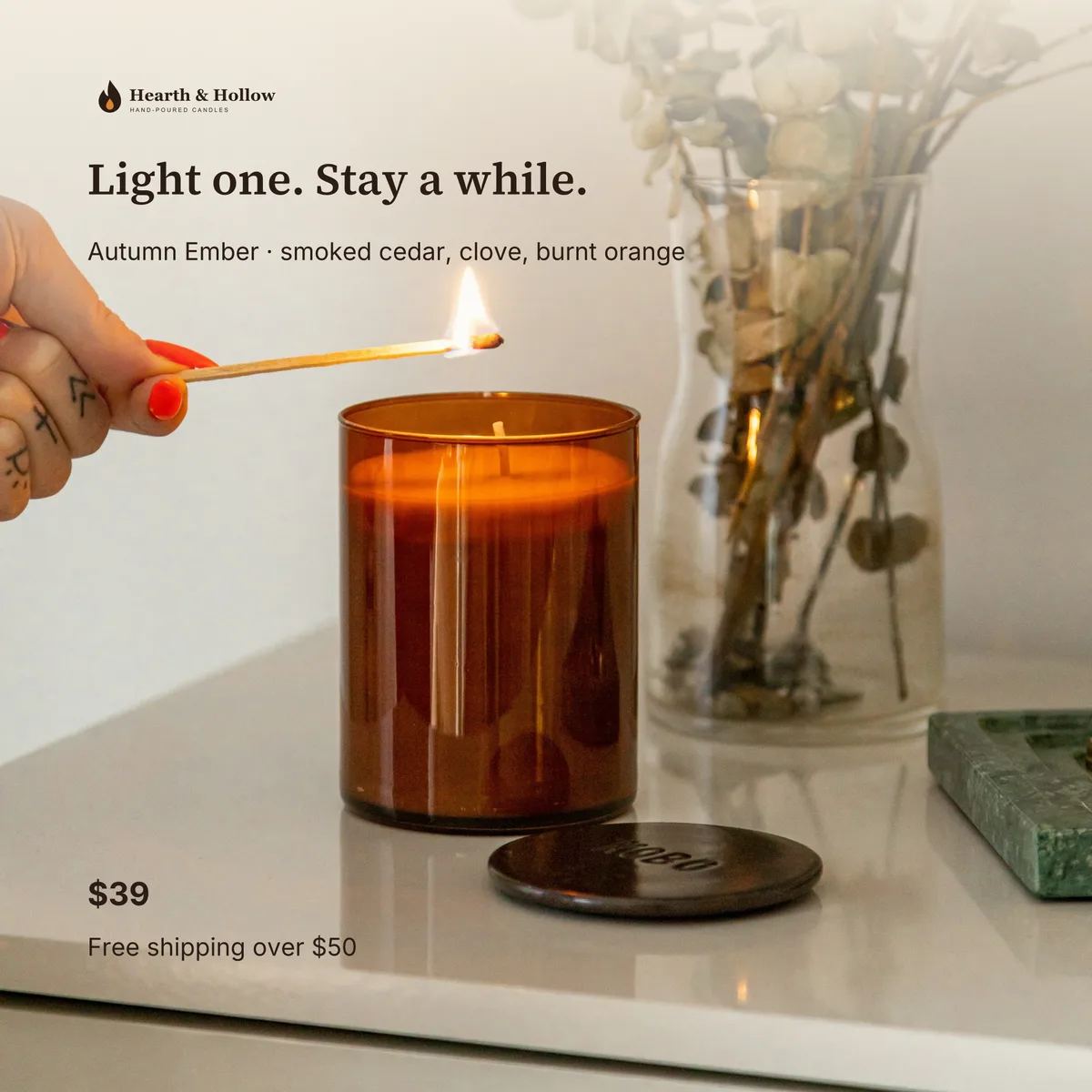
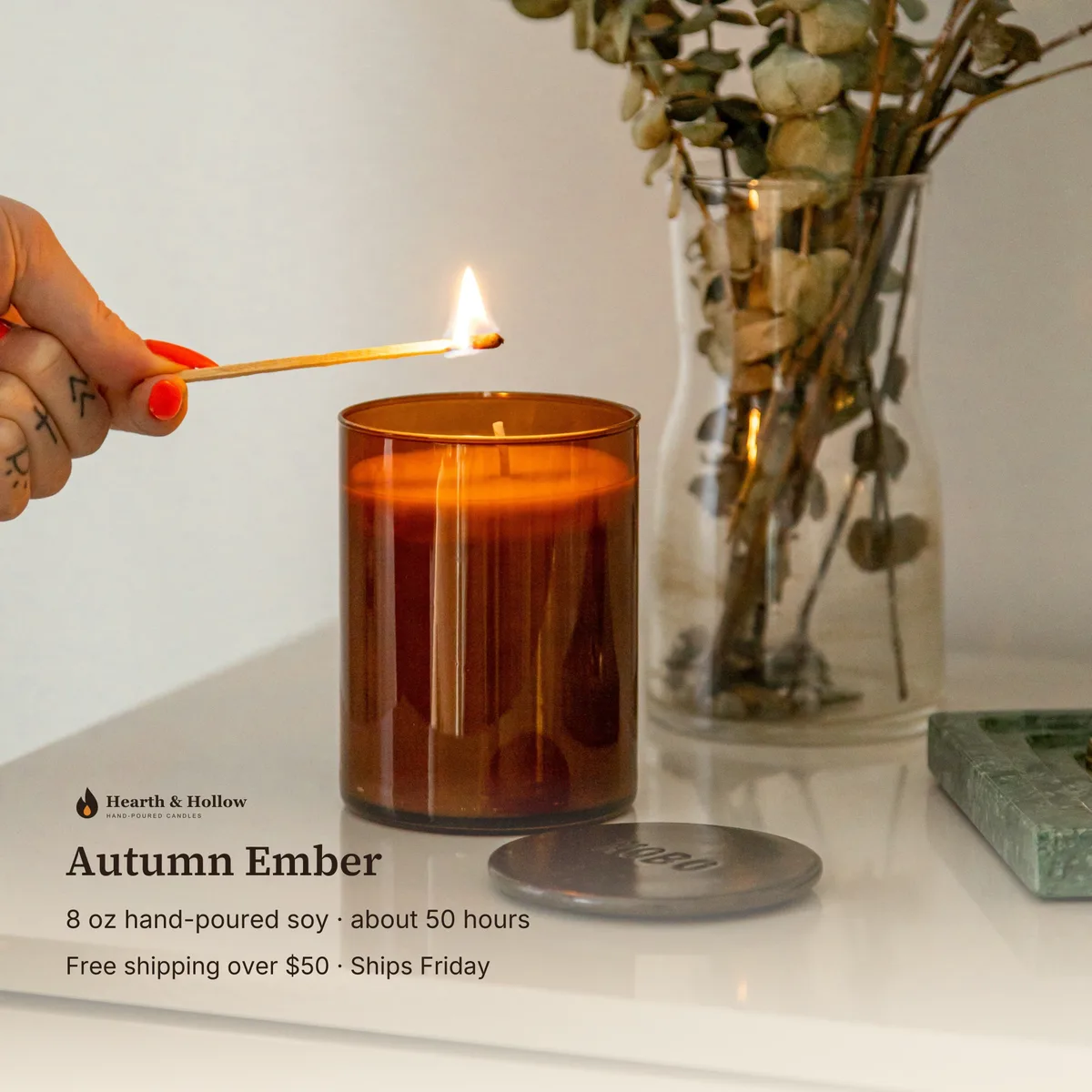
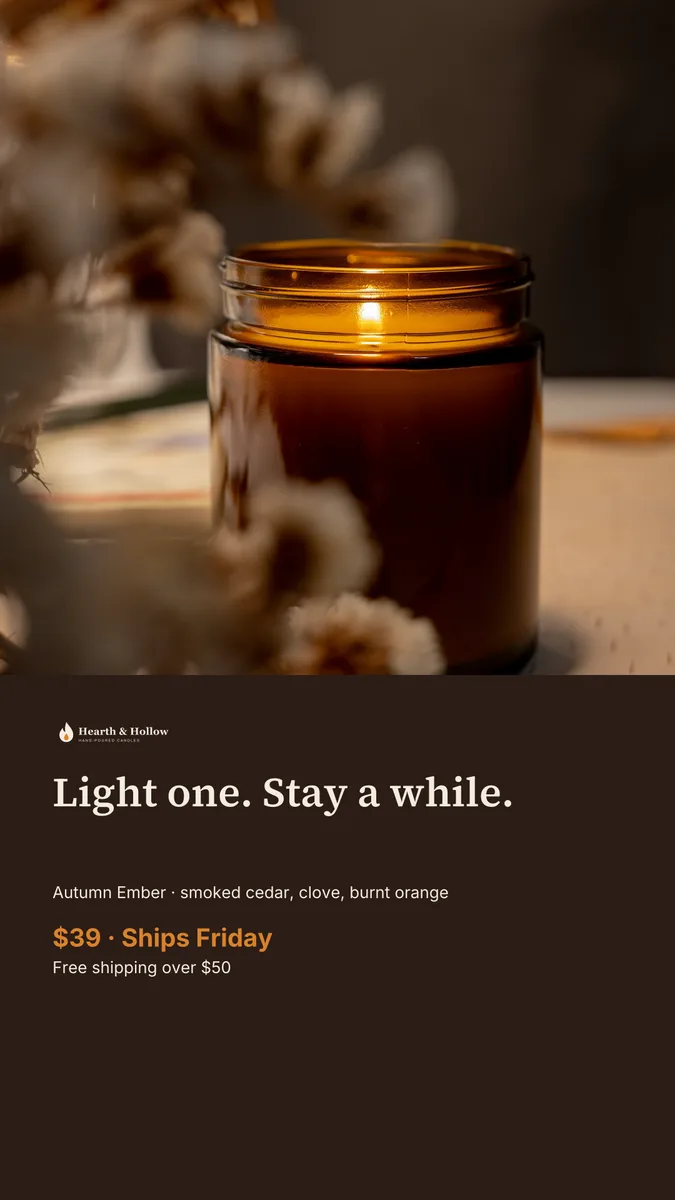
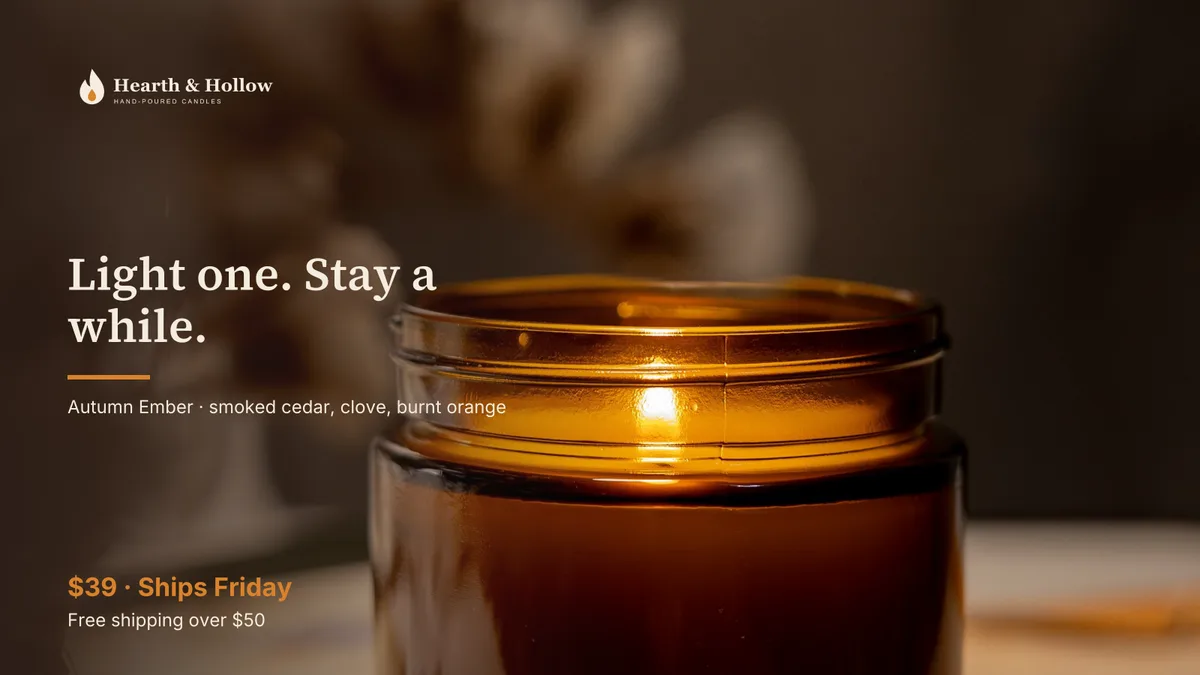
Hearth & Hollow is a made-up brand for this demo. Its folder held only a DESIGN.md, two logo files and two product photos. The headline and the price were changed by asking, not by hand.
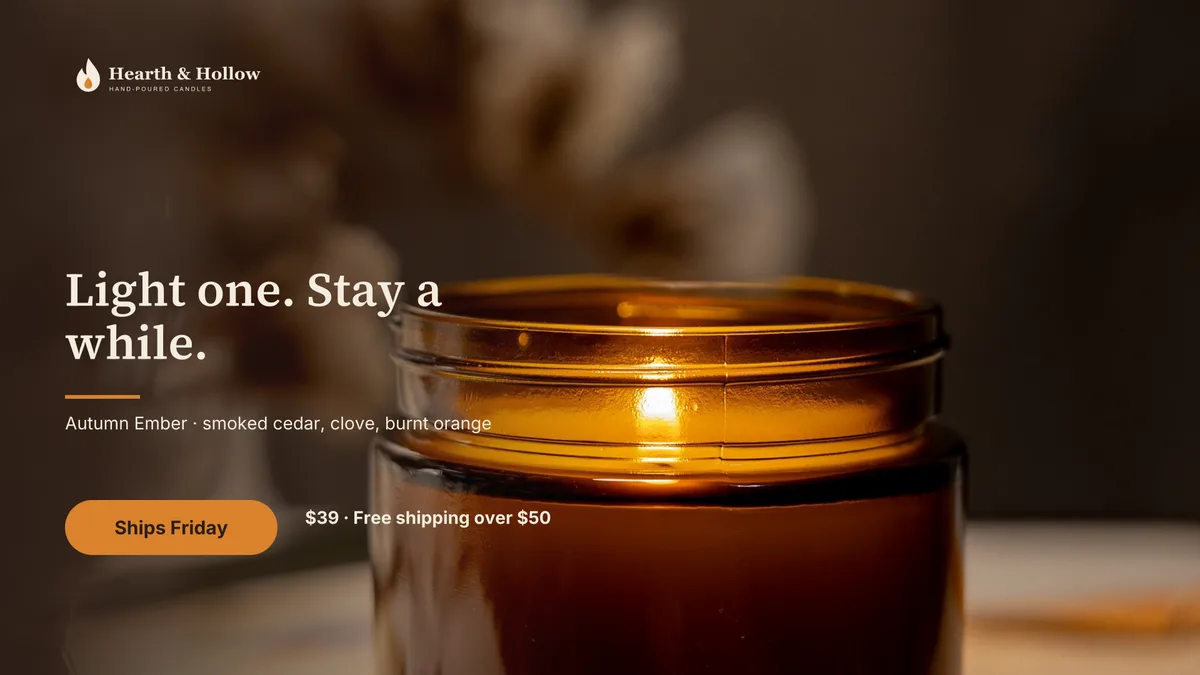
Made by Nova
A workflow, explained in five cards.
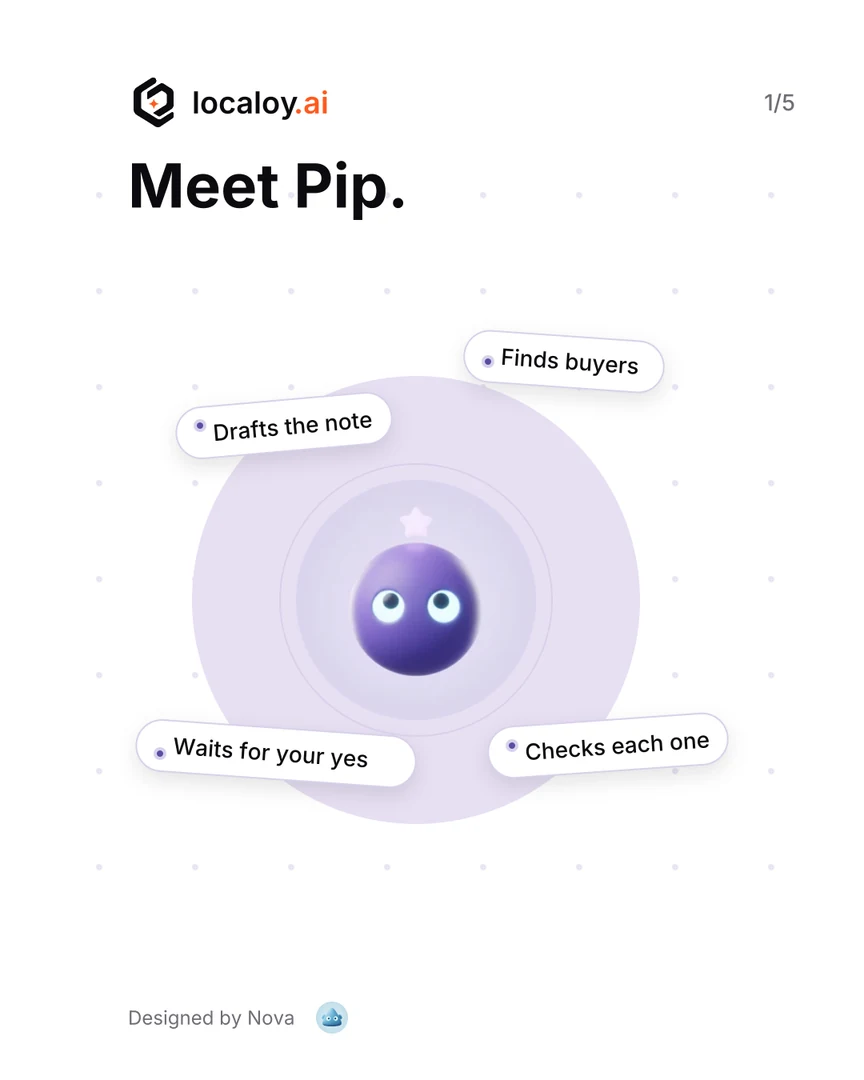
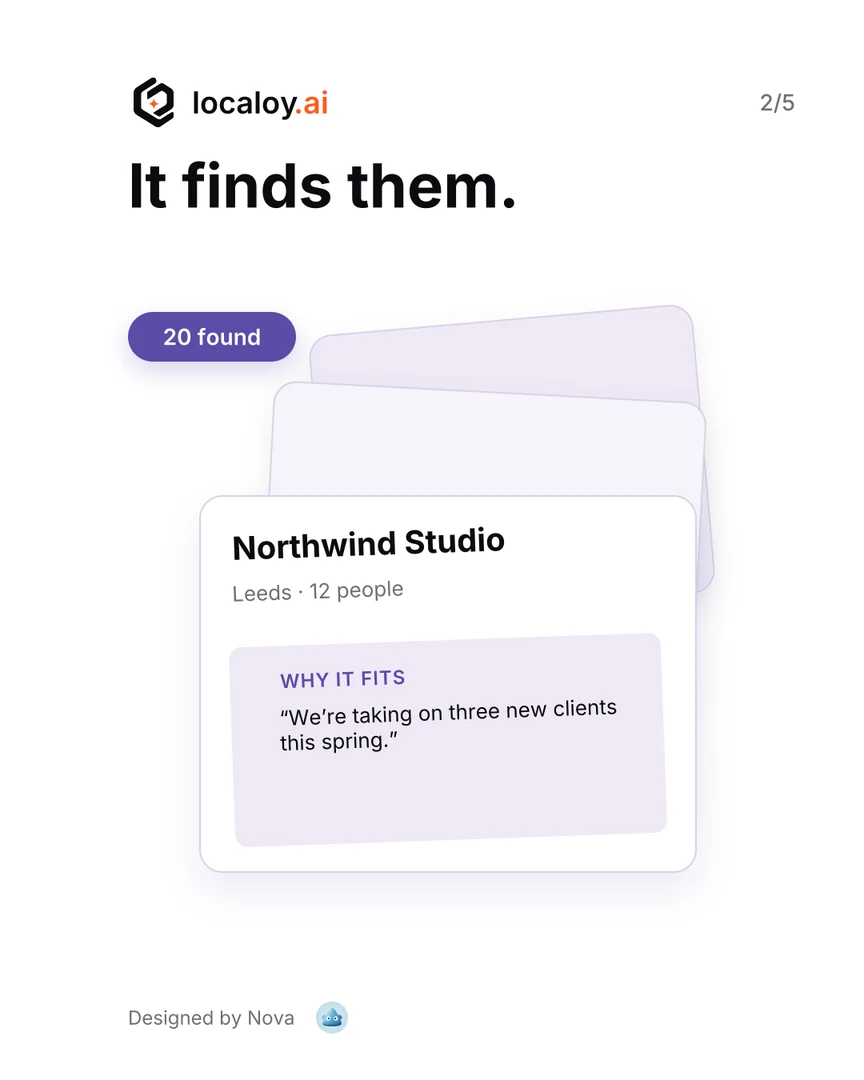
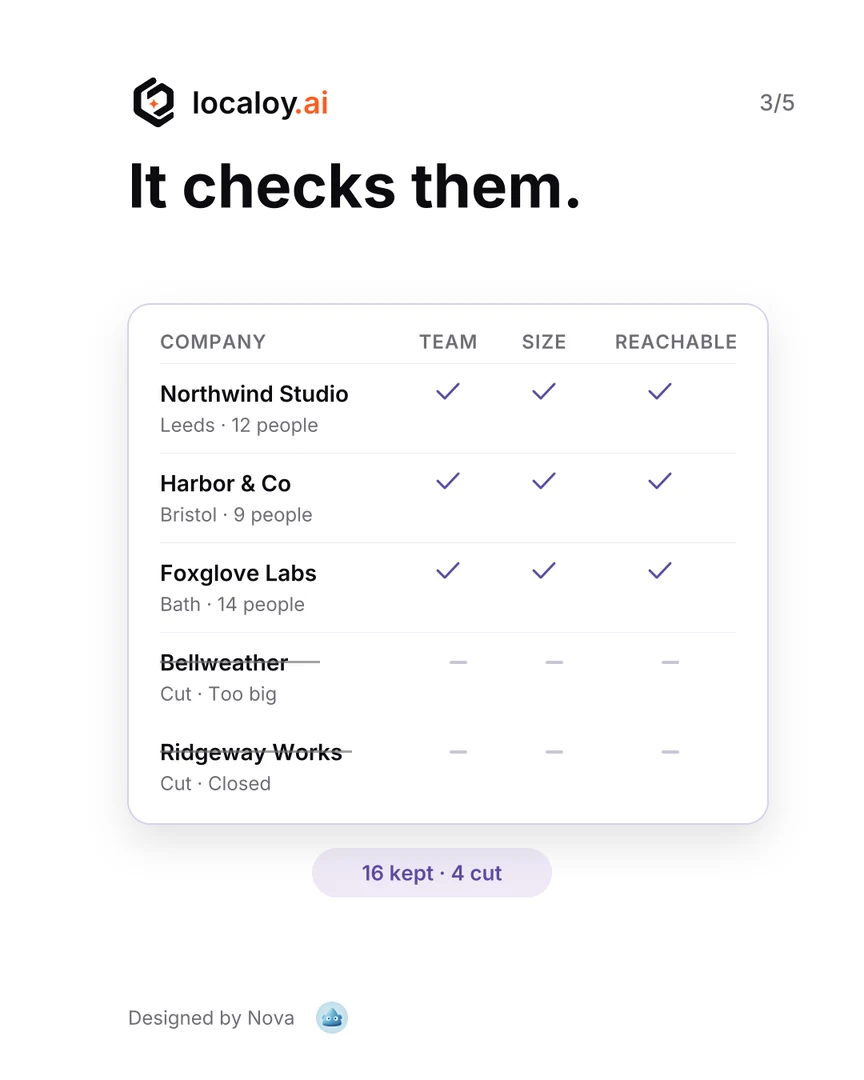
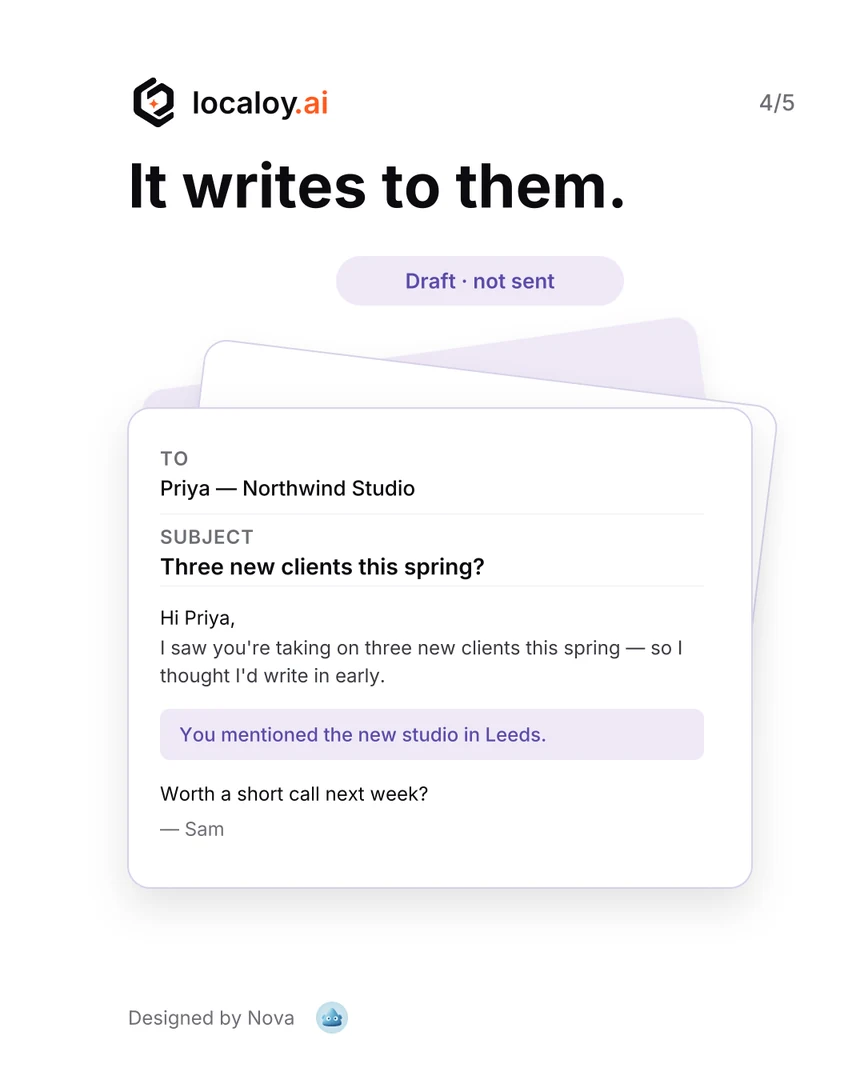
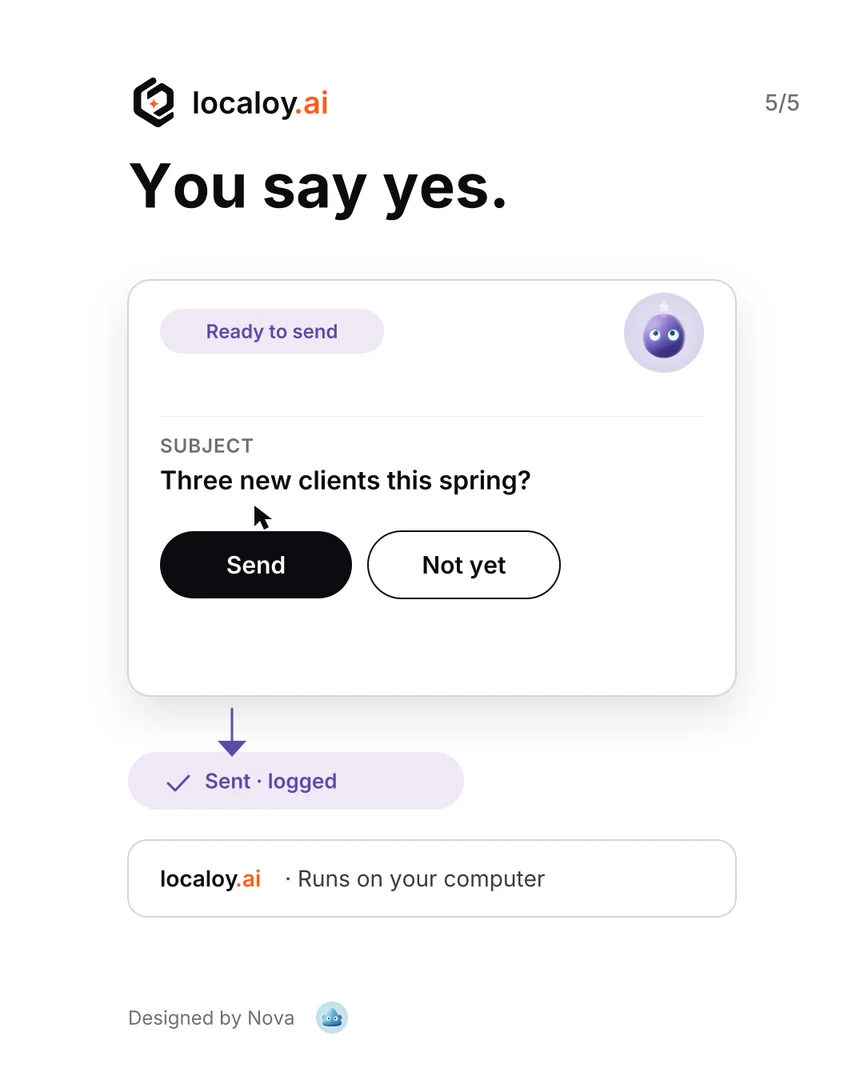
The brief was our logo, Pip’s picture, the brand colours and one line per card. After two rounds of feedback Nova exported five 1080 × 1350 cards for a LinkedIn carousel, each built from editable text and shapes, plus the project file. Company and people names on the cards are made up. How Pip works →
What it does
Design work, not picture guessing.
Text is text
Headlines are typed, not painted, so they’re spelled right. It tells you when a line doesn’t fit its box.
Your brand
It takes your colours and logo from your site, a file you attach or your DESIGN.md, and uses the real logo file. It never draws a logo of its own.
Every channel’s size
LinkedIn, Instagram, X, Facebook, YouTube, link previews, slides, A4 and letter, each on its own board.
Shows options, asks
It can lay out a few directions side by side and ask which one to build on, before it makes the rest.
High-resolution export
Sharp at any size, because nothing is enlarged.
Export at 1× up to 16×, or type the width you need. Vinci draws every letter and shape again at that size, so a banner for print is as crisp as the post for your feed. The agent also saves each board as its own file, named after it.
In the recording above, each board is saved at its channel’s size, named after the board.
One drawing’s sizes, as Vinci’s export window lists them.
You edit it too
Change a headline yourself. It sees what you changed.
The design opens beside the chat. Retype a line, move a shape, pick another colour: your changes and the agent’s land in the same drawing, and it hears about yours on its next step. Select a few pieces and use them in your next message (“make these bigger”), or replay how the whole set was made.
It paints, too
A full paint editor underneath.
Brushes from pencil to chalk, layers with blend modes, reference pictures to paint from, and drawings with millions of strokes that stay smooth.
How to start
Three steps.
Tell it what you’re launching
Give it your website or attach your logo. If the folder has a DESIGN.md, it reads your colours and voice from there too. Nothing to set up first.
Plan it in Plan mode
“Make the launch set: two LinkedIn posts, a banner and an X post.” Open Vinci Editor from the chat’s menu first. In Plan mode it asks what it needs and proposes the set. Nothing is made yet.
Switch to Auto, then export
It designs the set in Vinci while you watch. Change what you like, then export at the size you need.
Try it on your next launch.Free · macOS, Windows and Linux