Use cases
Hand it the job, the way you’d hand it to a colleague.
It works on your computer, shows each step, and stops to ask when something is yours to decide. These are jobs it does today, with the words you’d type and the switches it needs.
Research and lead lists
“Find companies like our three best customers and put them in a spreadsheet with a reason for each.”
It searches, opens each site, reads what they do, and writes the list into your folder. Every page it opened is in the chat, so you can check each reason.
WebFilesBrowser, for sites that need it


This week’s social posts
“Here’s our website. Make this week’s LinkedIn posts.”
It designs the posts in the Vinci editor with your words, your logo and your colours, at the right size. Change one headline yourself and ask it to carry the change to the rest, then export.
FilesWeb, to read your site
Check or fill in websites
“Check every download button on our site still leads to the latest release.”
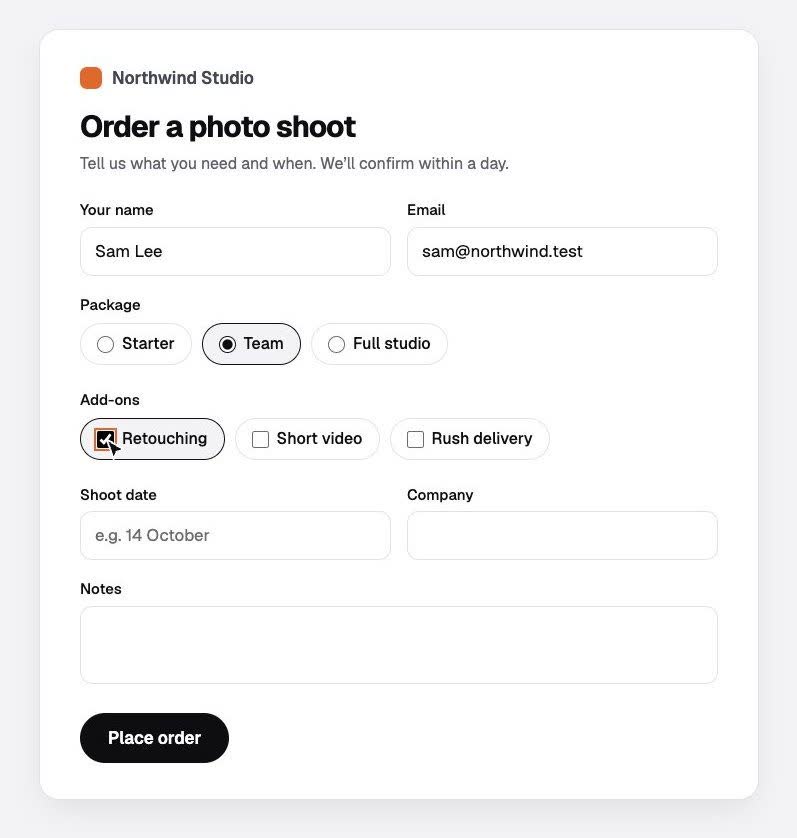
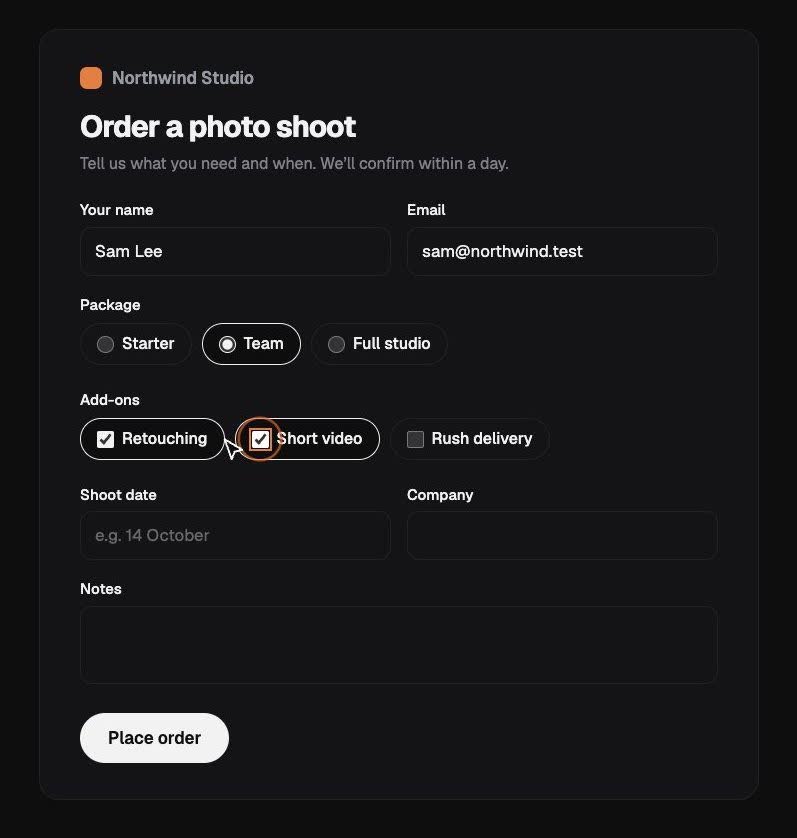
It clicks through in a real browser and writes down what it found. For forms, it fills them in and asks before it presses submit, order or pay.
BrowserFiles, for the notes
Reports from your files
“Go through the invoices folder and draft reminders for anything unpaid. Don’t send them.”
It reads your files, writes the drafts next to them, and tells you exactly which files it touched.
Files
The Monday report
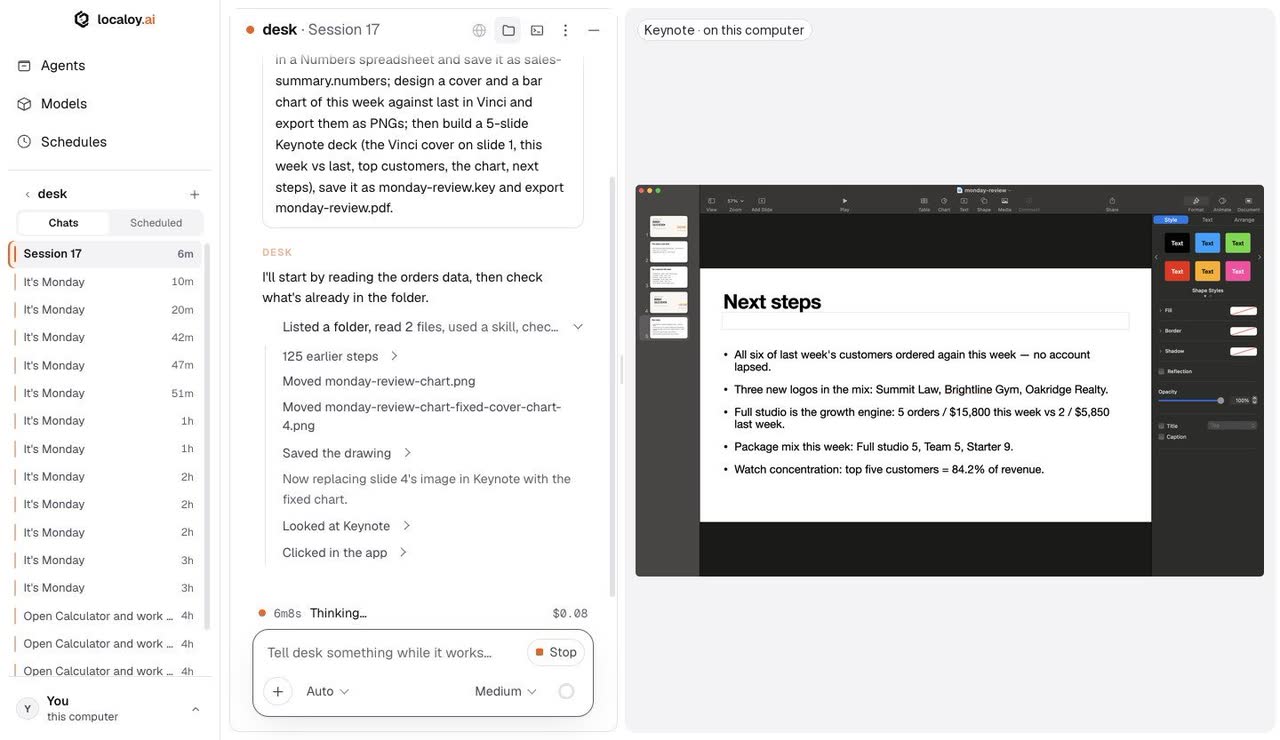
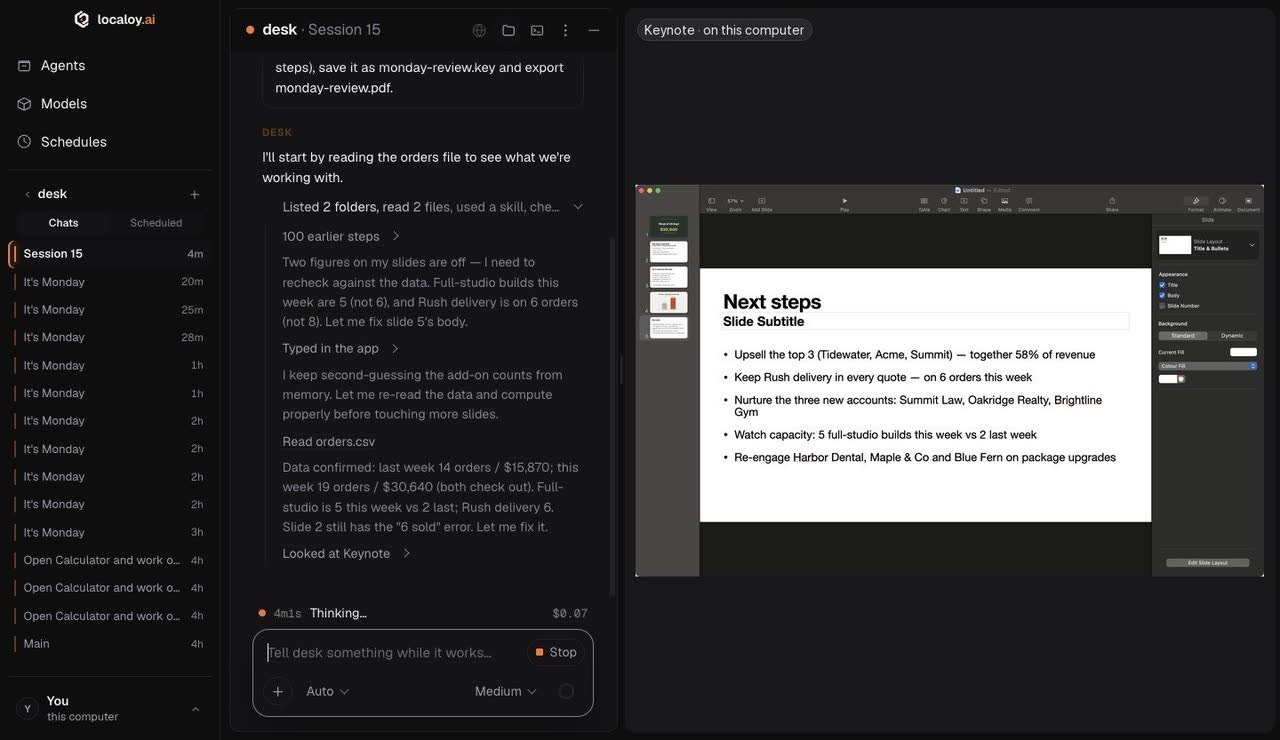
“orders.csv has last week and this week. Put a summary in Numbers, design a cover and a chart in Vinci, and build a five-slide Keynote deck with a PDF.”
It works out the totals and top customers, fills the spreadsheet, designs the pictures, then builds and exports the deck in your apps while you do something else. It borrows Keynote once, with your OK. Watch it work →
ComputerFiles
Nightly checks
“Audit the site for SEO problems every night.”
It drafts a schedule for you to read and arm. Every run shows up in the schedule’s chat, with the report in your folder in the morning. It runs while Localoy is open on a computer that’s awake.
SchedulesWebFiles
A whole team on one bill
“Put the five of us on Localoy, with a limit for each person.”
Start an organization and invite your team by email. Everyone works on their own computer; the spend lands on one shared balance. Admins choose the models, set each person’s monthly limit and see the usage. Chats stay on each computer.
TeamsLocaloy models
The lists and folders above are examples. The pictures are from real runs on a made-up brand, a practice form and made-up orders.
Try one on your own work.Free · macOS, Windows and Linux